This is how
we roll.
Walk up to the vehicle at your property, then open the Vyo app and scan its QR code to start your rental.
Explore the fleet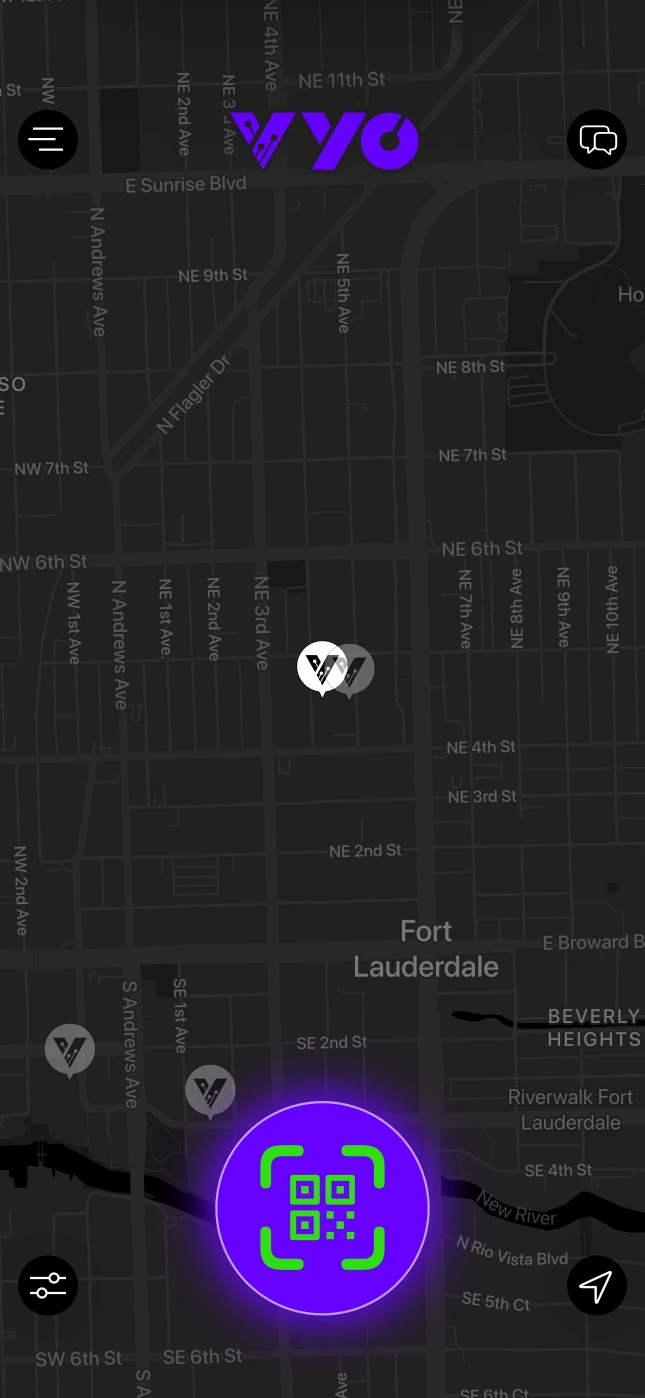
Get in where
you fit in.
Vyo Go routes you on roads suited for low‑speed vehicles and keeps navigation within your battery range.
Explore Vyo Go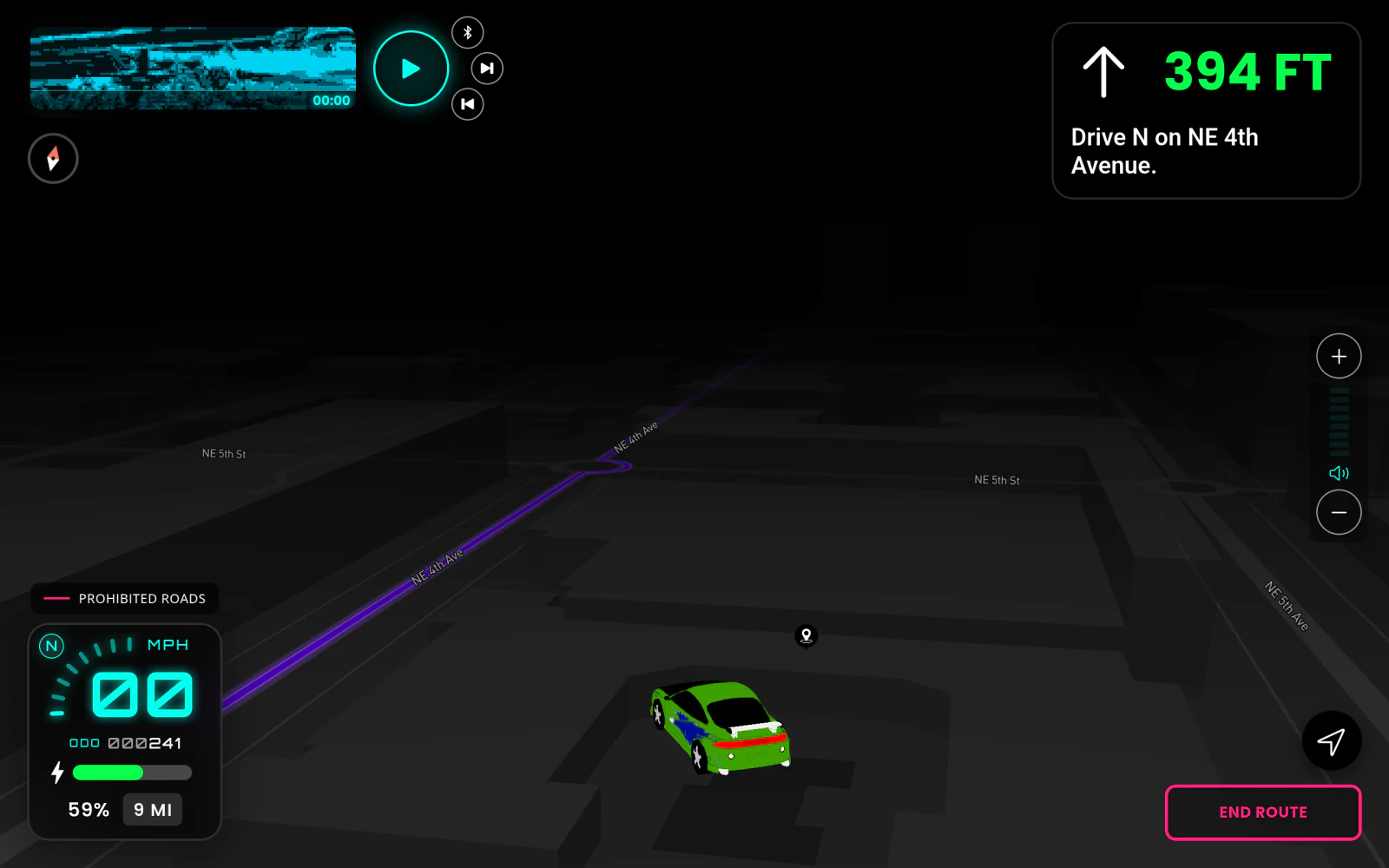
Back where
it all began.
Return to your property, park the vehicle, and plug it in. Your rental ends automatically.
Rider questions.
Do I need to verify my driver’s license?
Yes. You’ll verify your driver’s license in the Vyo app before renting.
What do the red lines on Vyo Go mean?
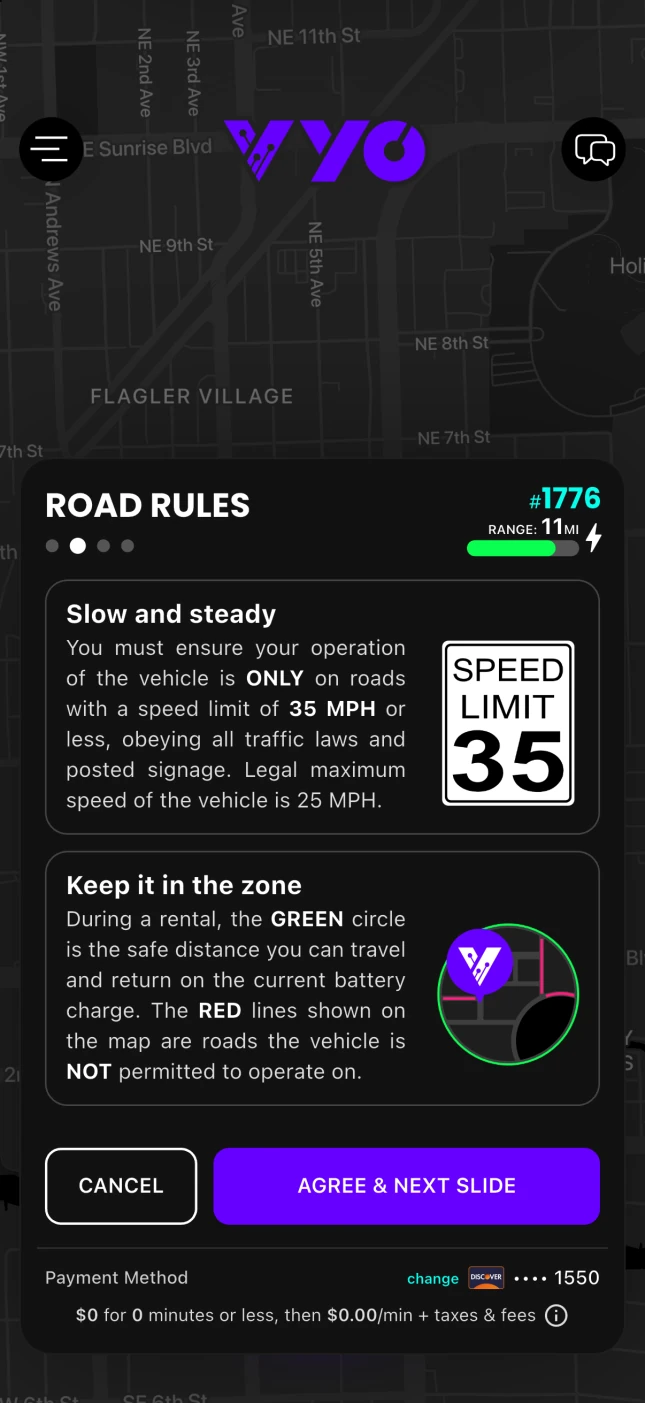
They mark roads the vehicle isn’t permitted to use.
What does the green circle in the Vyo app show?
It shows the estimated area you can drive in while keeping enough battery to return.
Can I play music from my phone?
Yes. Pair your phone with the vehicle over Bluetooth and play music from your own app.
Can I drop the vehicle off at a different property?
No. Return the vehicle to the property where you started your rental.
How do I know my rental has ended?
The Vyo app shows a rental summary once the rental ends.